Support Loop Pro
A downloadable tool
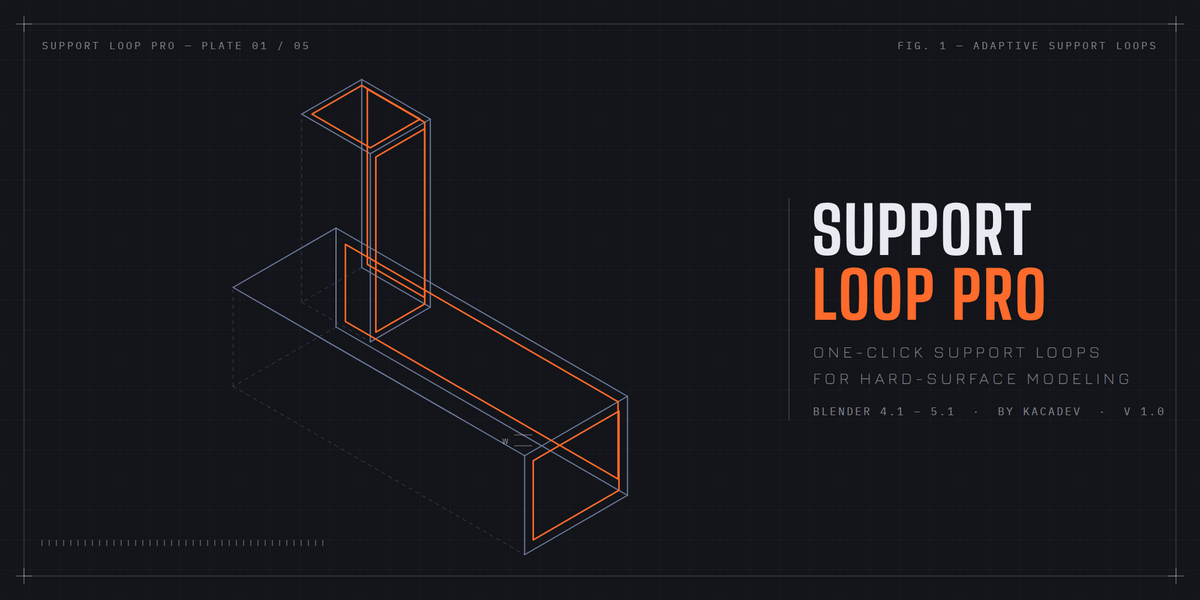
Support Loop Pro adds perfect supporting edge loops to your low-poly hard-surface models with one click — so a Subdivision Surface modifier keeps corners crisp instead of melting your model into a blob.
WHY IT'S DIFFERENT
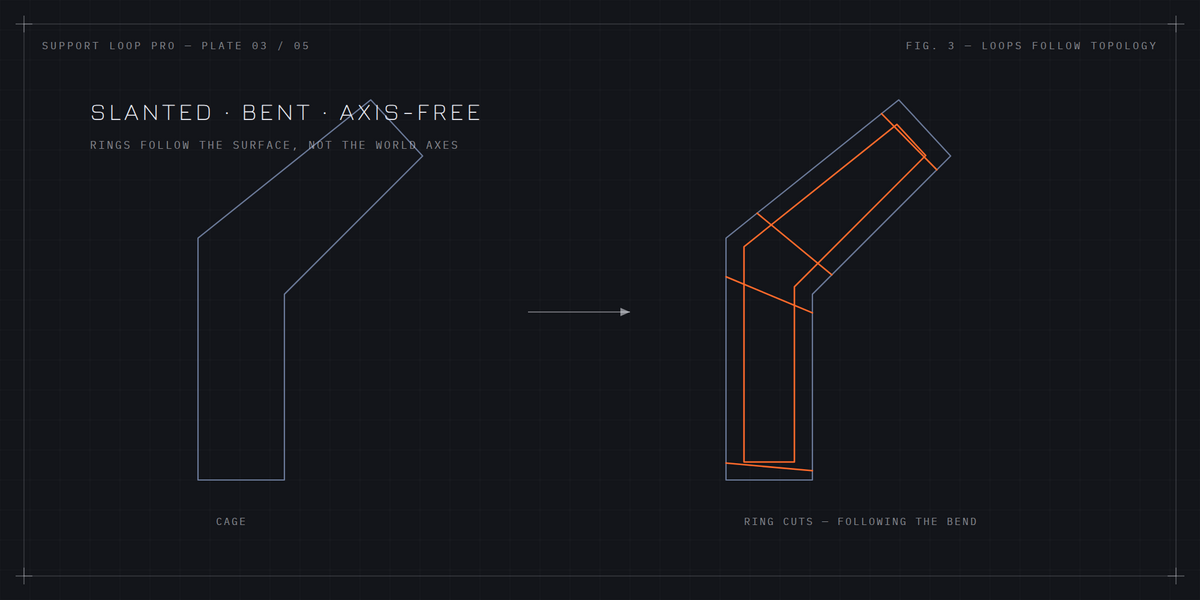
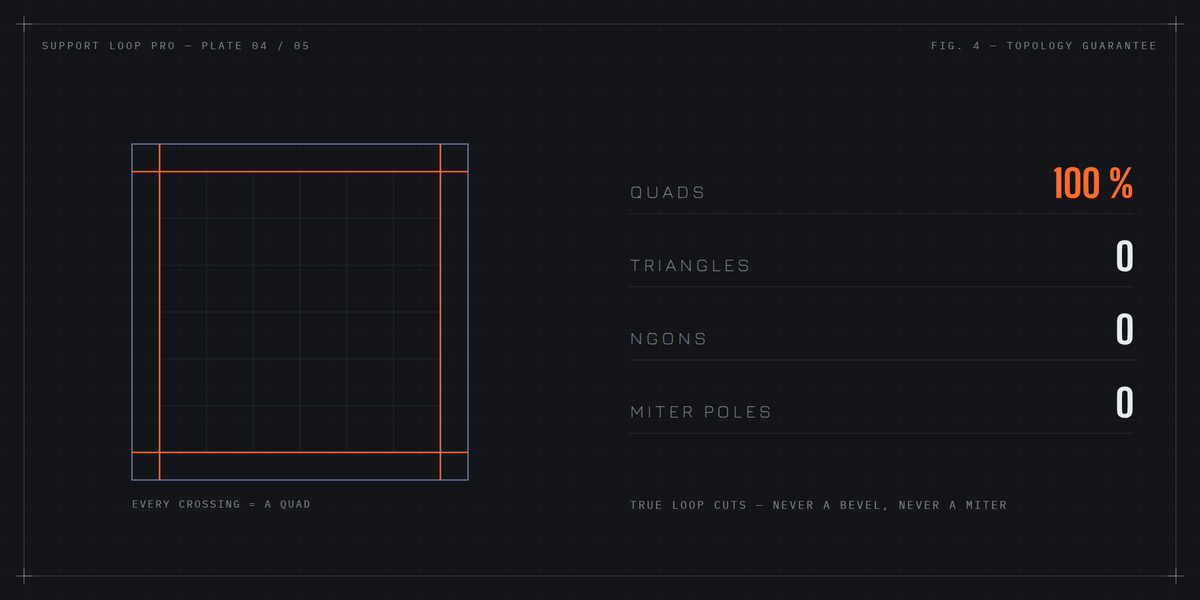
Support Loop Pro doesn't bevel. It works the way a modeler does: every support loop is a true loop cut that follows your mesh topology — wrapping all the way around the model, following bends and slanted sections. The result is always 100% quads: no triangles, no ngons, no messy miter poles.
ADAPTIVE WIDTH
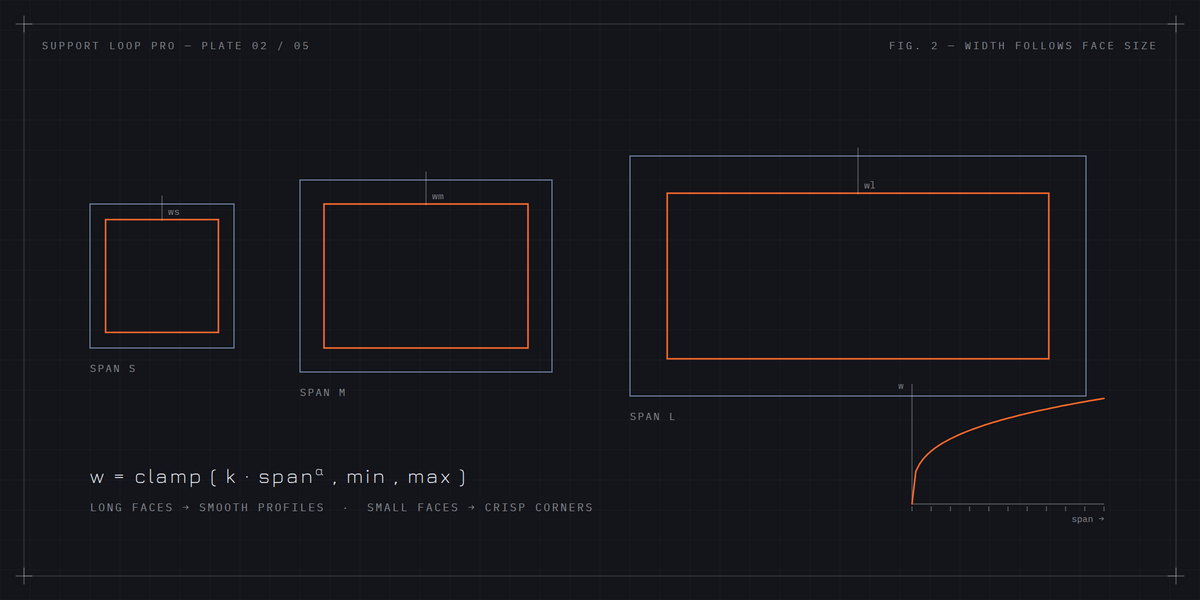
Loop width automatically follows face size. Long faces get wider loops for smooth, gentle profiles; small faces get tight loops for crisp corners. Full control in the F9 panel: Width Factor, Adaptivity, Min/Max Width clamps, and optional evenly spaced guide loops across long faces.
THE REVERSE TOOL — REMOVE REDUNDANT LOOPS
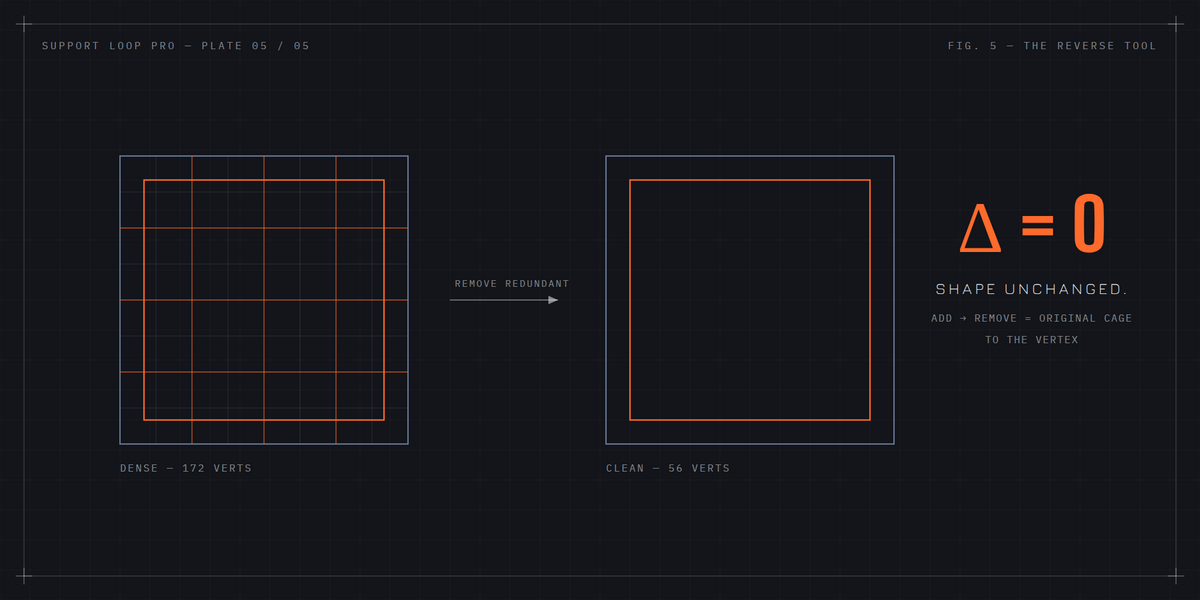
Inherited a dense mesh? One click deletes every edge loop that doesn't contribute to the shape — and only those. A loop is removed only when it provably cannot change the mesh: flat edges, straight crossings, closed rings. Round-trip tested: add loops then remove them and you get your exact original cage back, to the vertex.
FEATURES
- One-click adaptive support loops (auto sharp-edge detection or your edge selection)
- True topological ring cuts — works on slanted and bent shapes, not just axis-aligned boxes
- Always 100% quads, never touches your shading or modifiers unless you ask
- Fixed-width bevel mode for freeform meshes
- Remove Redundant Loops: the exact inverse operation
- Fully undoable, multi-object support, Object and Edit mode
Works in Blender 4.1+ (tested through 5.1). Best on quad cages — the standard hard-surface blockout workflow.
FAQ
Do I get future updates?
Yes, all future updates to Support Loop Pro are included with your purchase.
Does it support undo and multiple objects?
Yes — both tools are fully undoable (Ctrl+Z) and work on all selected mesh objects at once, in Object Mode or Edit Mode.
What does Remove Redundant Loops do — will it ever break my model?
It's the exact inverse of the add tool: it deletes only edge loops that provably cannot change the shape (closed, flat, straight crossings). Loops on creases, bends, or poles are never touched, and running it on a clean low-poly cage does nothing. Add loops then remove them and you get your exact original mesh back.
Can I control where the loops go and how tight they are?
Yes. Loops are placed automatically at every sharp edge (angle threshold adjustable), or only on your selected edges in Edit Mode. Width adapts to face size — Width Factor sets overall tightness, Adaptivity controls how strongly width follows face size, with Min/Max clamps. Everything is tweakable live in the F9 redo panel.
How is this different from just using a Bevel modifier?
A bevel creates miter geometry — triangles and poles — wherever edges meet at junctions. Support Loop Pro inserts true loop cuts that follow your topology all the way around the model, so the result is always 100% quads with clean edge flow, exactly as if you'd placed every loop by hand with Ctrl+R.
Will it change my mesh's shading or add modifiers?
No. By default the tool only adds the edge loops — nothing else. Shade Smooth, a Subdivision Surface preview modifier, and Subdivide Long Faces are all available as optional checkboxes in the F9 panel, and they're all off by default.
Does it work on any mesh?
Adaptive mode works best on quad-based cage meshes — the standard way low-poly hard-surface blockouts are built. On triangles or ngons a ring cut simply stops there, and the included Fixed mode (a classic square-profile bevel) covers freeform meshes. Both modes work in Blender 4.1 through 5.1.
Documentation
INSTALLATION
1. Blender > Edit > Preferences > Add-ons > Install from Disk
2. Select the downloaded zip
3. Enable "Support Loop Pro"
USAGE
1. Select one or more low-poly meshes (Object mode), or select edges in Edit mode.
2. Press N > HighPoly tab > "Add Support Loops (Adaptive)". Also available in the Object menu and Edit mode's Edge menu.
3. Press F9 to tweak: Width Factor (overall tightness), Adaptivity (0 = uniform width, 1 = fully proportional to face size), Min/Max Width clamps, Sharp Angle threshold, and optional Subdivide Long Faces with Max Quad Size.
Optional extras (all off by default, in the F9 panel): Add Subdivision Preview modifier, Shade Smooth, Subdivide Long Faces.
REMOVE REDUNDANT LOOPS (reverse tool)
Third button in the panel. Deletes only loops that provably cannot change the shape: closed rings whose edges are flatter than the Flat Angle (default 5 degrees) with straight crossings. Loops on creases, bends, and poles are never touched. In Edit mode you can restrict it to loops containing a selected edge.
NOTES
- Adaptive mode is designed for quad cages (standard hard-surface blockouts). Use Fixed mode for freeform or non-quad meshes.
- Fully undoable. Multi-object editing supported. The tool never changes your shading or modifiers unless you enable those options.
Purchase
In order to download this tool you must purchase it at or above the minimum price of $9.99 USD. You will get access to the following files:
Leave a comment
Log in with itch.io to leave a comment.