Blockstart
A downloadable tool
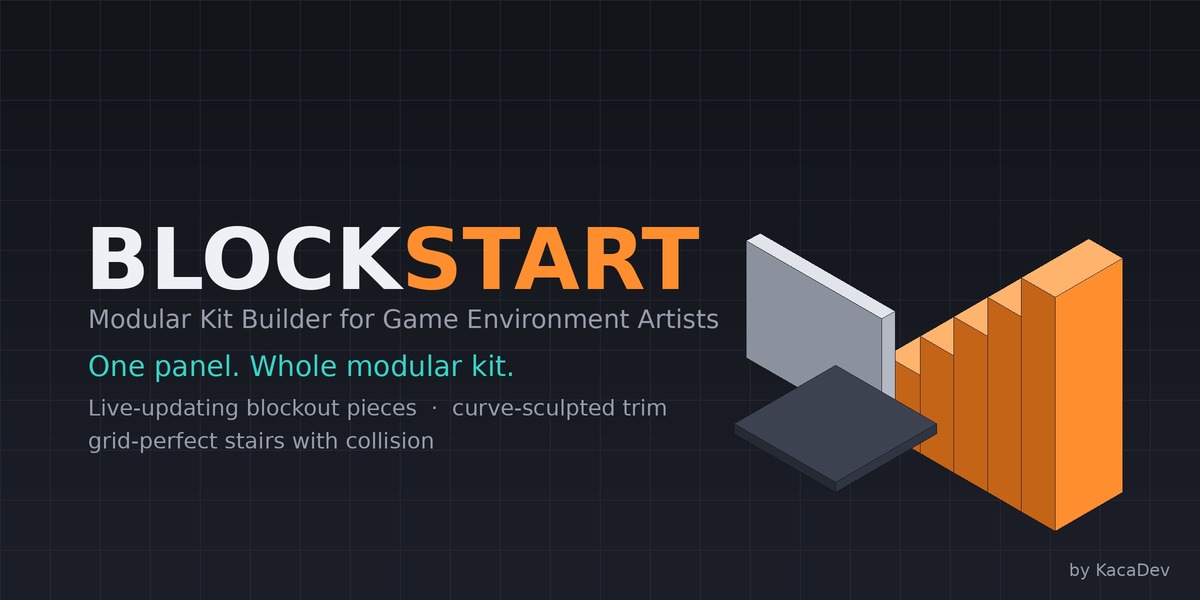
Every modular kit lives or dies in its first hour. Wrong wall height, off-grid stairs, openings that don't fit the player - and weeks later nothing snaps together in engine. Blockstart is the tool you open before you model anything: it turns modular-kit best practice into one panel.
ONE BUTTON, WHOLE KIT
Type your metrics (all in centimeters - wall height, widths per piece type, floor tiles, openings) and click once. Blockstart generates a disciplined starter set: floor, walls, doorway wall, window wall, pillar, ceiling, half wall, corner - correctly pivoted, convention-named (SM_Kit_Piece), self-spaced in a clean row, and organized into collections.
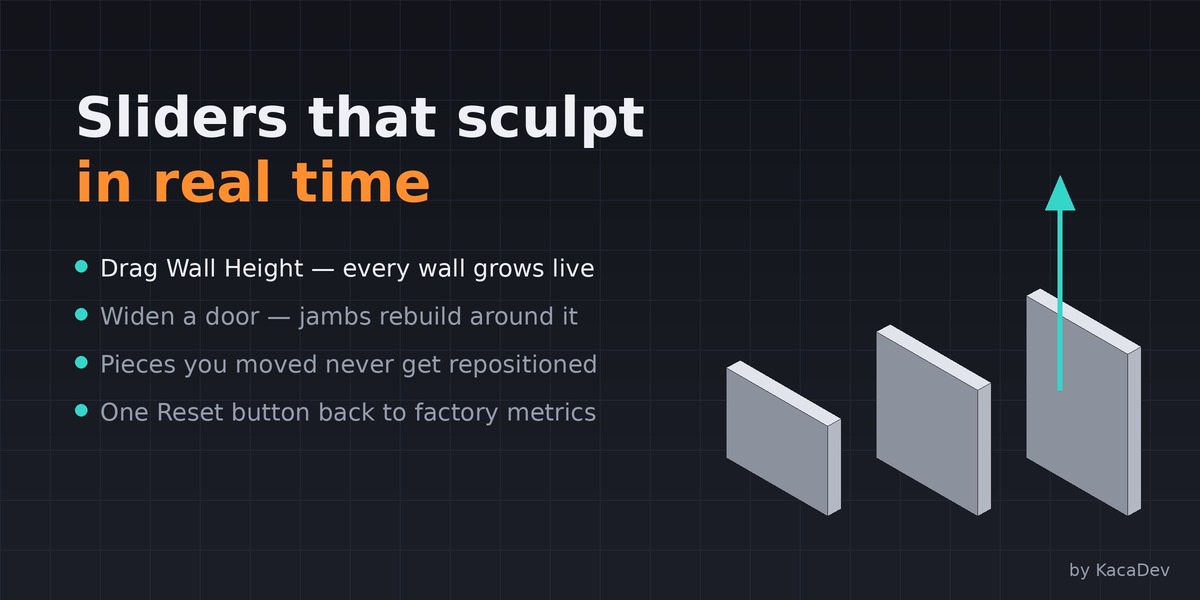
SLIDERS THAT SCULPT IN REAL TIME
Once pieces exist, every metric slider updates them live in the viewport. Drag Wall Height and watch every wall grow. Widen a door and the jambs rebuild. Pieces you've moved stay exactly where you put them - only geometry updates. One Reset button returns every metric to factory defaults.
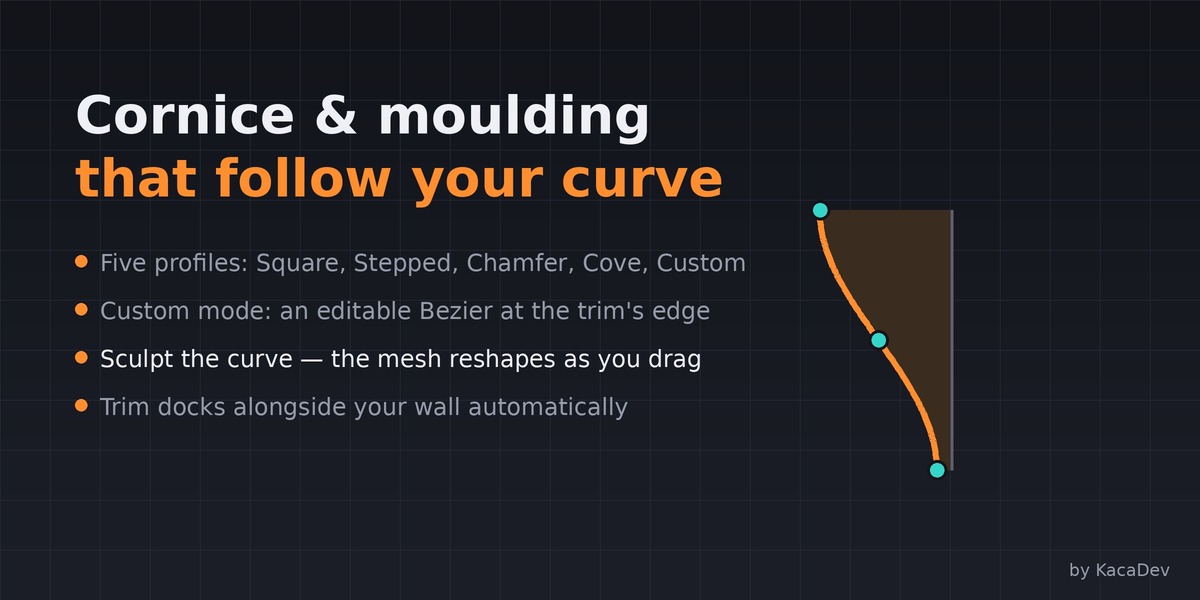
CORNICE & MOULDING WITH A CURVE-DRIVEN PROFILE EDITOR
Toggle on trim and get a cornice and baseboard docked against your wall, with five profiles: Square, Stepped, Chamfer, Cove - and Custom (Curve), where an editable Bezier curve appears at the trim's outer edge. Sculpt the curve in edit mode and the moulding reshapes to follow it as you drag.
THE STAIR LAB
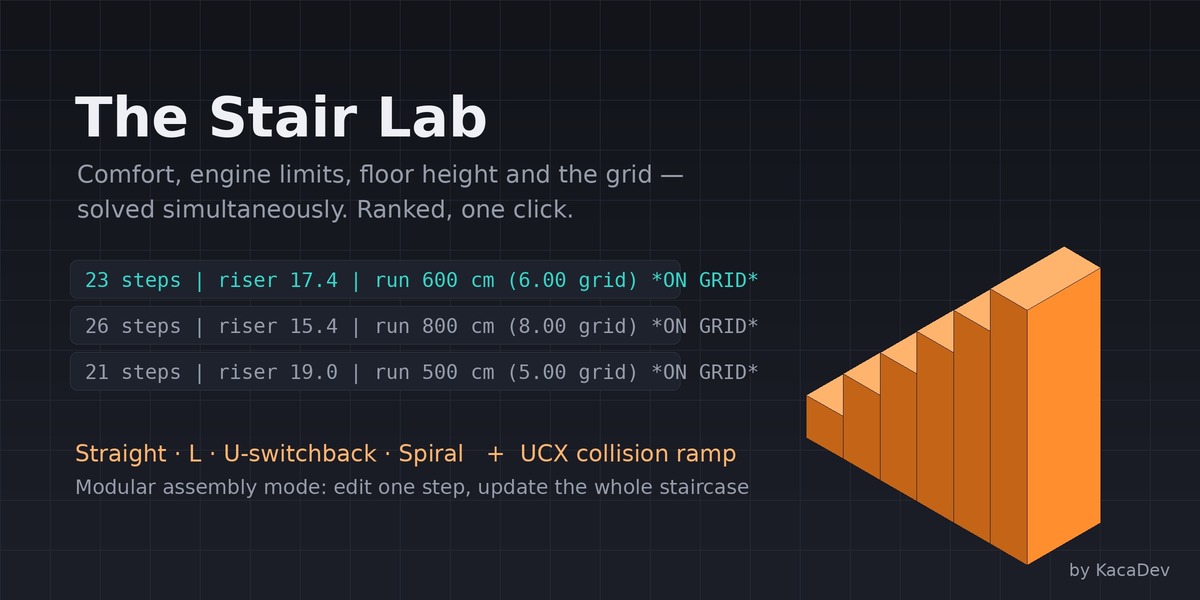
Stairs are the hardest modular piece: they must satisfy human comfort, engine physics, your floor height, and the grid simultaneously. Blockstart's solver does all four at once - enter your floor-to-floor rise and get ranked, legal solutions (23 steps / riser 17.4 / run 600 cm = exactly 6 grid units). Then generate:
- Straight, L-shape, U-switchback, or spiral stairs
- One mesh, or a modular assembly of linked step instances - edit one step, the whole staircase updates
- Automatic UCX_ collision ramp (the invisible slope characters actually walk on - Unreal auto-imports it)
- Stairs join your kit row automatically, never overlapping existing pieces
KIT DISCIPLINE TOOLS
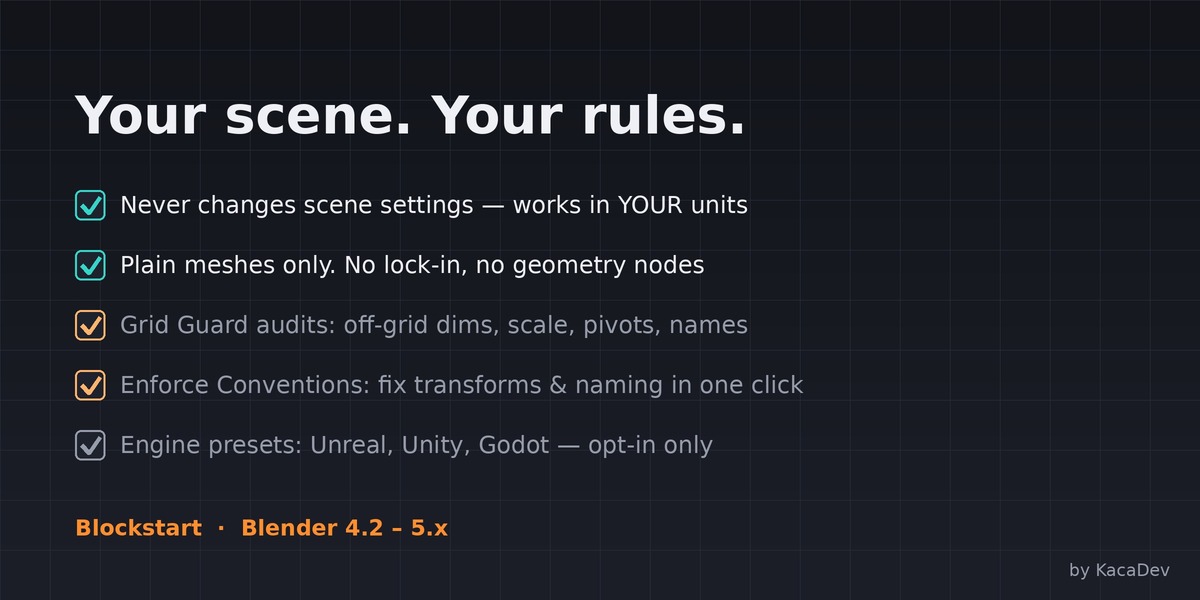
Grid Guard audits selected pieces: off-grid dimensions, unapplied scale, wrong pivots, naming violations - with a clear per-object report. Enforce Conventions fixes transforms, origins, and names in one click.
RESPECTS YOUR SCENE. ALWAYS.
Blockstart never changes your scene settings. It builds correctly inside whatever unit system you already use. If you want the engine-standard setup (Unreal cm / Unity meters), one clearly-labeled opt-in button applies it - and that's the only setting Blockstart will ever touch. All output is plain meshes: no proprietary data, no lock-in.
WHO IT'S FOR
Game environment artists building modular kits for Unreal, Unity, or Godot; level designers greyboxing to real metrics; archviz artists who want parametric trim and stairs; educators teaching modular workflow.
WHAT'S IN THE BOX
The Blockstart addon (.zip), full written documentation, and free updates through the 1.x series. Blender 4.2 LTS - 5.x.
FAQ
Does it work with my engine?
Yes - output is standard meshes. Presets exist for Unreal, Unity, and Godot conventions, but nothing is engine-locked. Collision ramps use the UCX_ naming convention Unreal auto-imports; Unity/Godot users can use or delete them.
Does it use geometry nodes?
No - pure mesh generation. Nothing breaks when Blender's node system changes, and the output is editable everywhere.
Can I edit the generated pieces?
Everything is a plain mesh. Move pieces anywhere (Blockstart never repositions a piece you've moved), duplicate them into final art, or edit them directly. Note that regenerating rebuilds starter-piece geometry, so do final detailing on copies.
Do I need to know Blender's redo panel (F9)?
No. Every control lives directly in the panel - stair type, solver solutions, widths, profiles, all of it.
Which Blender versions are supported?
Blender 4.2 LTS and newer, including the 5.x series.
Will it change my scene or preferences?
No. Blockstart never modifies scene settings. The one exception is the clearly-labeled "Apply Engine Units to Scene" button, which does exactly what it says, only when you click it.
Documentation
Blockstart is the tool you open before you model anything. It sets up your scene for your game engine, plans your kit's measurements, generates starter blockout pieces, and builds grid-perfect modular stairs with collision — so every module you make snaps together in engine on the first try.
1. Installation
- Open Blender 4.2 or newer.
- Go to Edit → Preferences → Add-ons.
- Click the dropdown arrow (top-right) → Install from Disk…
- Select
blockstart_v1.0.0.zip(do not unzip it first). - Enable the checkbox next to Blockstart.
- In the 3D Viewport, press N to open the sidebar. You'll see a new Blockstart tab with three sections: Kit Genesis, Stair Lab, and Kit Discipline.
Updating: to install a newer build, remove the old version first (Preferences → Add-ons → Blockstart → Remove), then install the new zip.
2. Five-Minute Quickstart
The fastest path from empty scene to a walkable modular staircase:
- Open the Blockstart N-panel → Kit Genesis.
- Set Kit Name (e.g.
Warehouse) and pick your Engine. - Click Generate / Update Kit Pieces — one button, whole kit.
- Open Stair Lab → click Generate Stairs (it joins the end of the row).
- Play with Type (Straight / L / U / Spiral) and the Solution dropdown right in the panel, then generate again.
That's it — starter modules on a clean row, live-updating from the sliders, plus a legal, comfortable, grid-locked staircase with a collision ramp.
Purchase
In order to download this tool you must purchase it at or above the minimum price of $10 USD. You will get access to the following files:
Leave a comment
Log in with itch.io to leave a comment.